Your Marketing Resource Center
Marketing Materials

Flyer
Flyers should be printed and posted in high-traffic or communal areas around each property. Areas can include the main office, lobby, laundry room, elevators, etc. and act as a good way to introduce ClickPay.
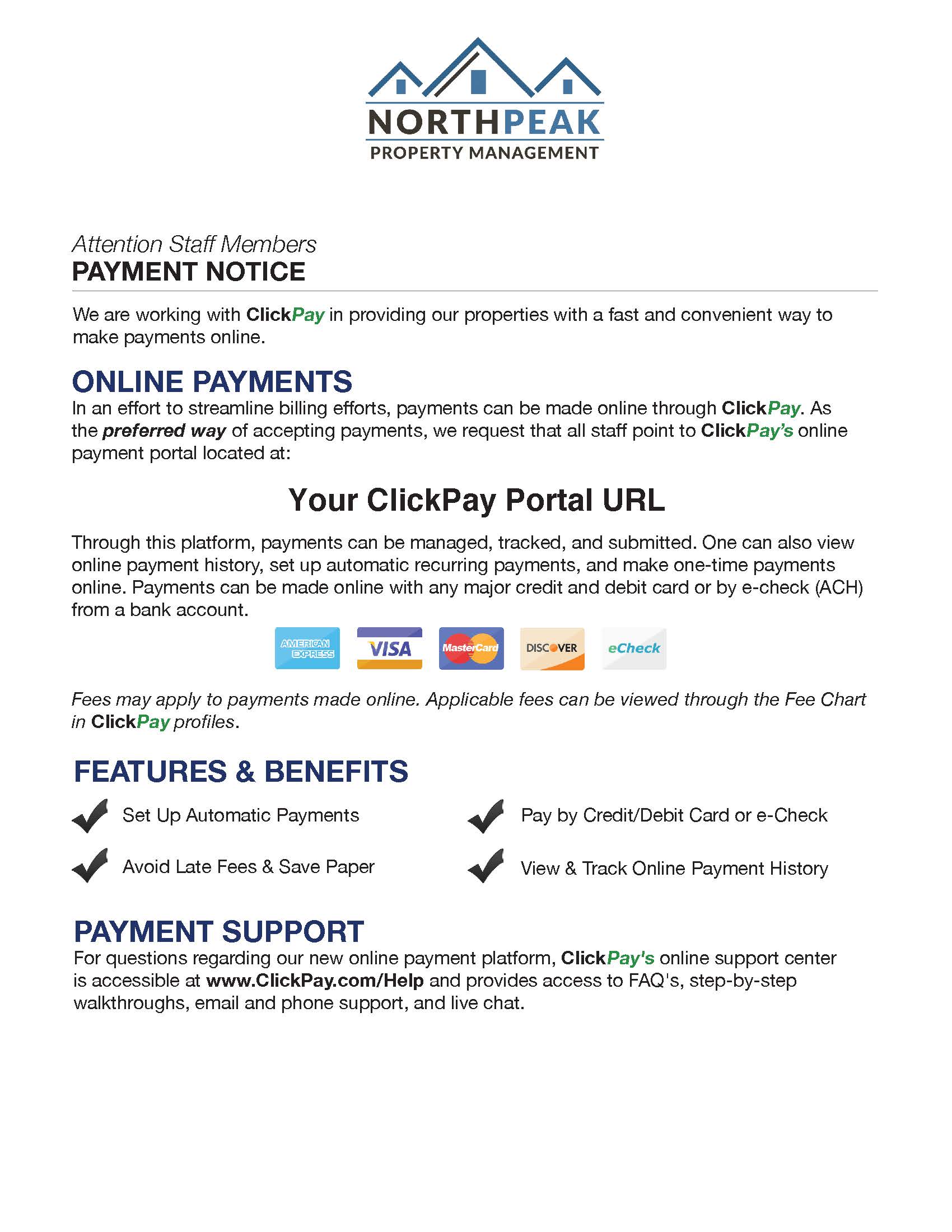
Staff Notice
Staff notices should be distributed to office/team members. This notice should be distributed by the property manager via email or by hand in order to provide associates with the answers they need to incoming questions.
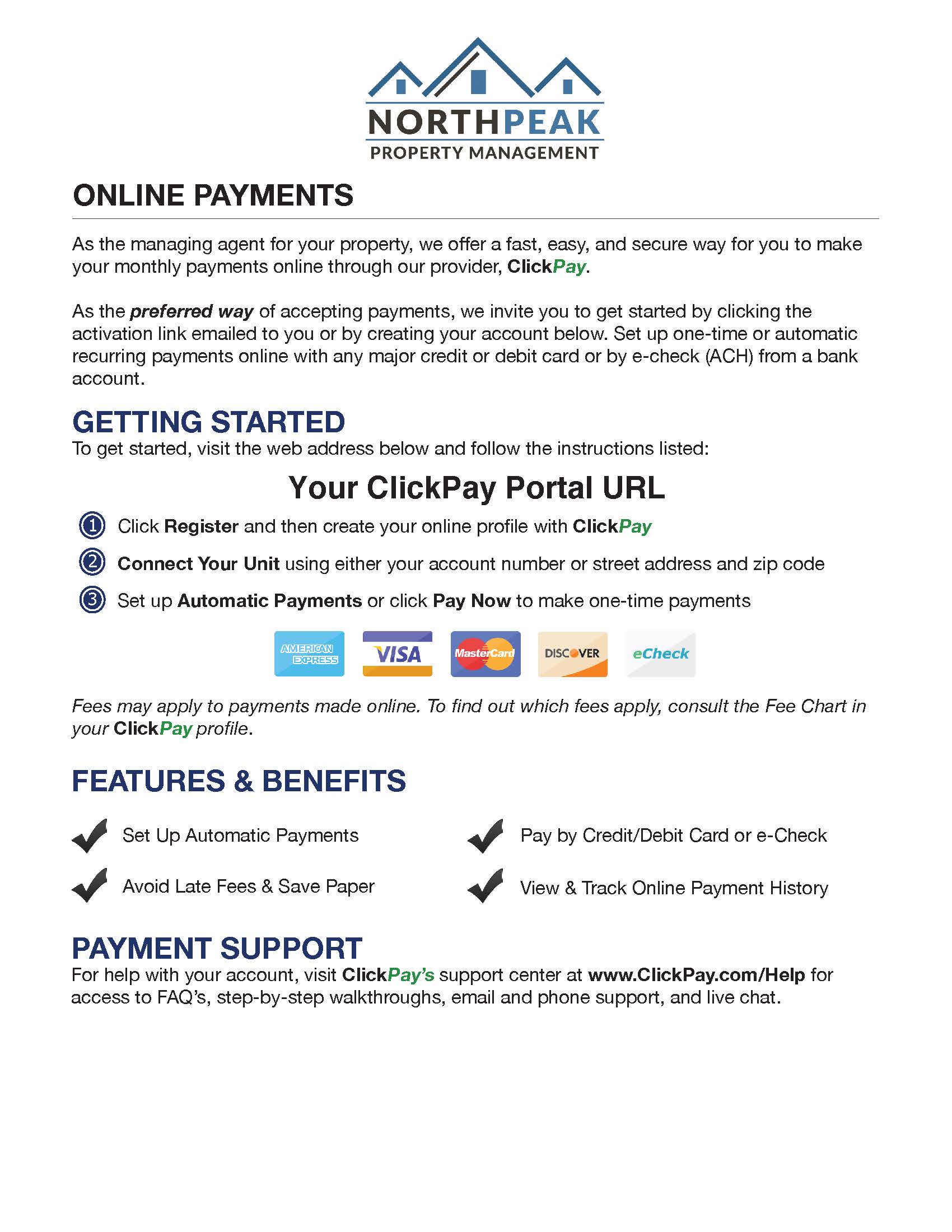
Notice/Insert
This notification provides instructions on how to register for those that may not have an email address on file and can be included with statements or distributed door-to-door, as a direct mailer, or in the main office.
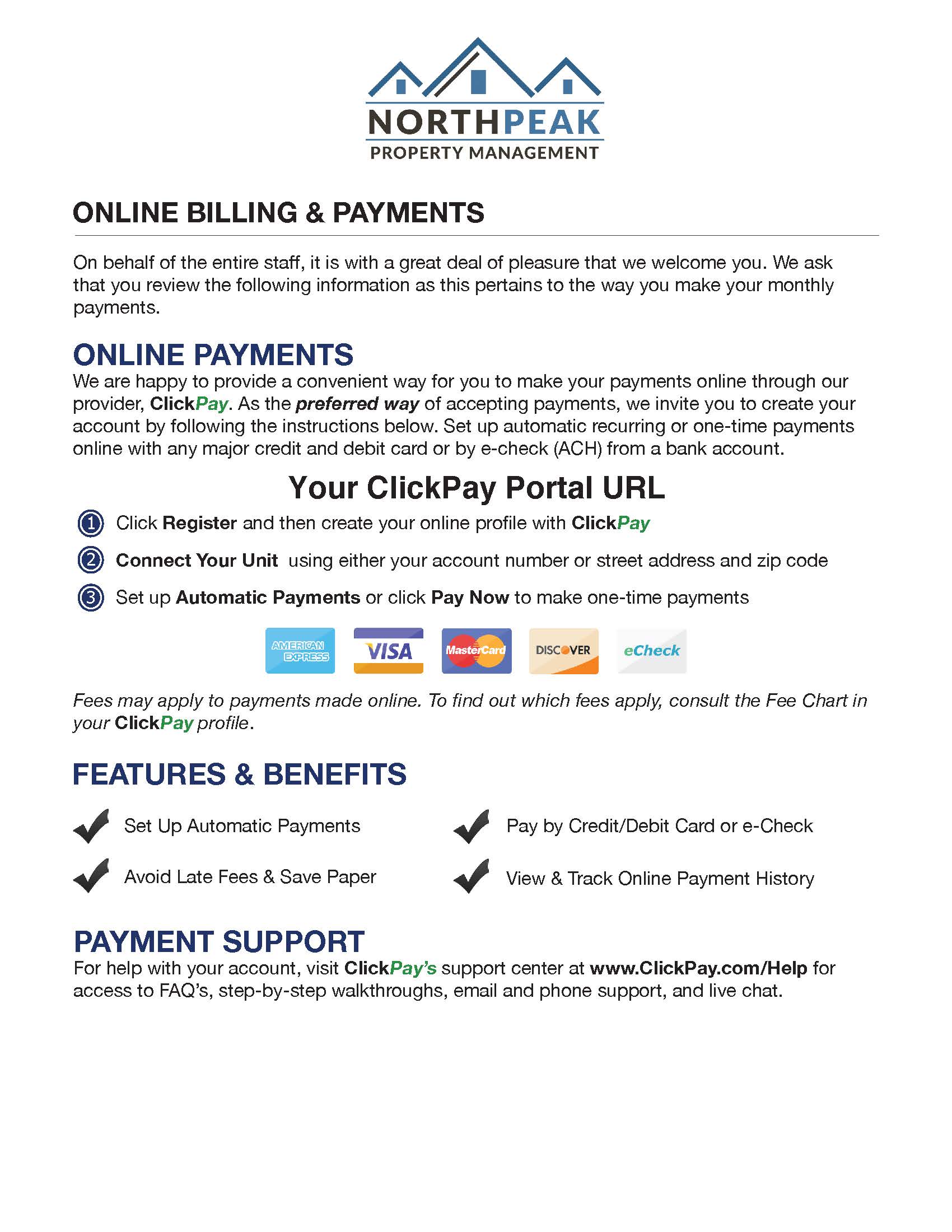
Welcome Notice/Insert
The lease or welcome insert should accompany each new welcome packet distributed to new tenants or residents as a way to introduce the current payment options available to them.
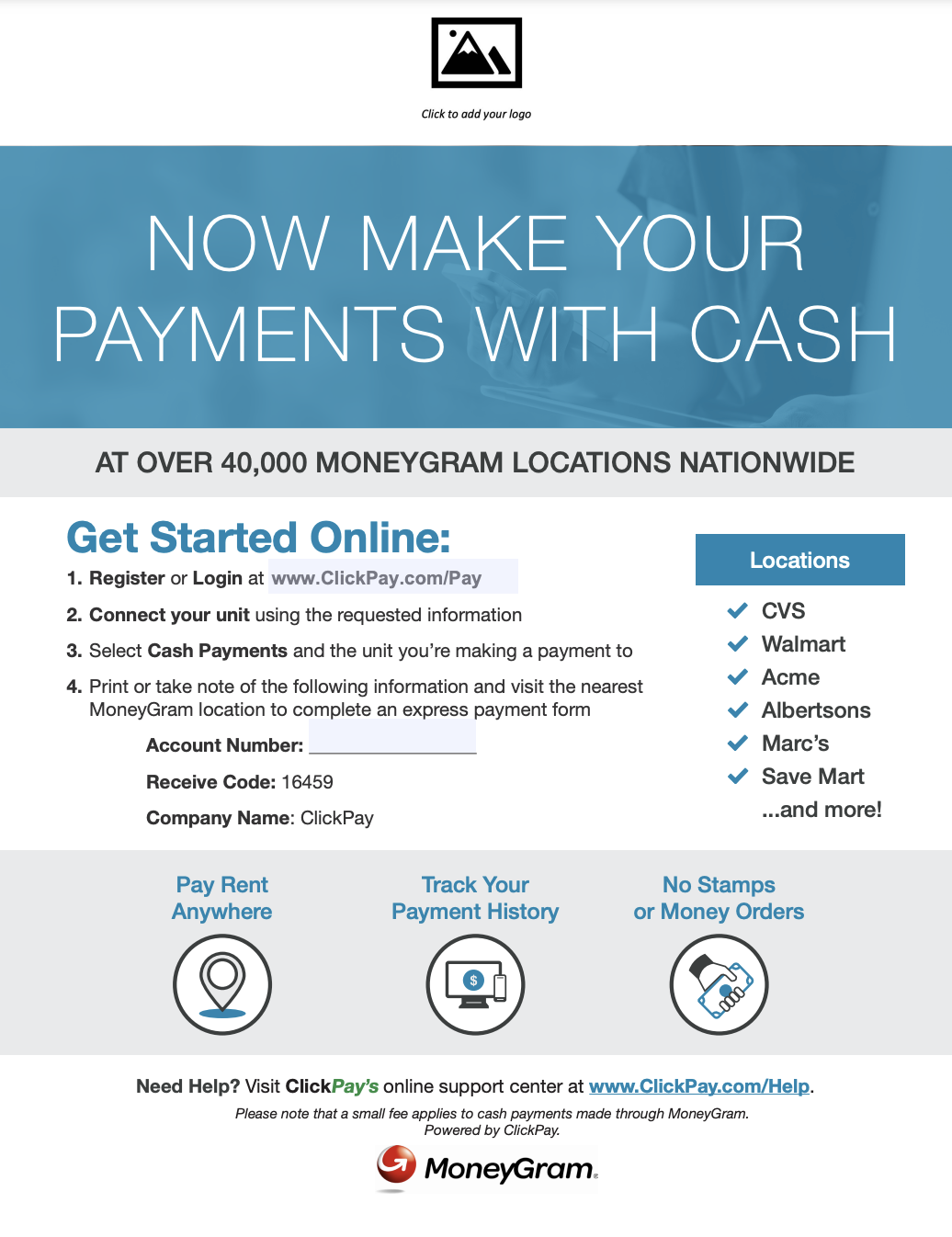
MoneyGram Flyer
This flyer can be used as a guide to submitting cash payments at a MoneyGram location.
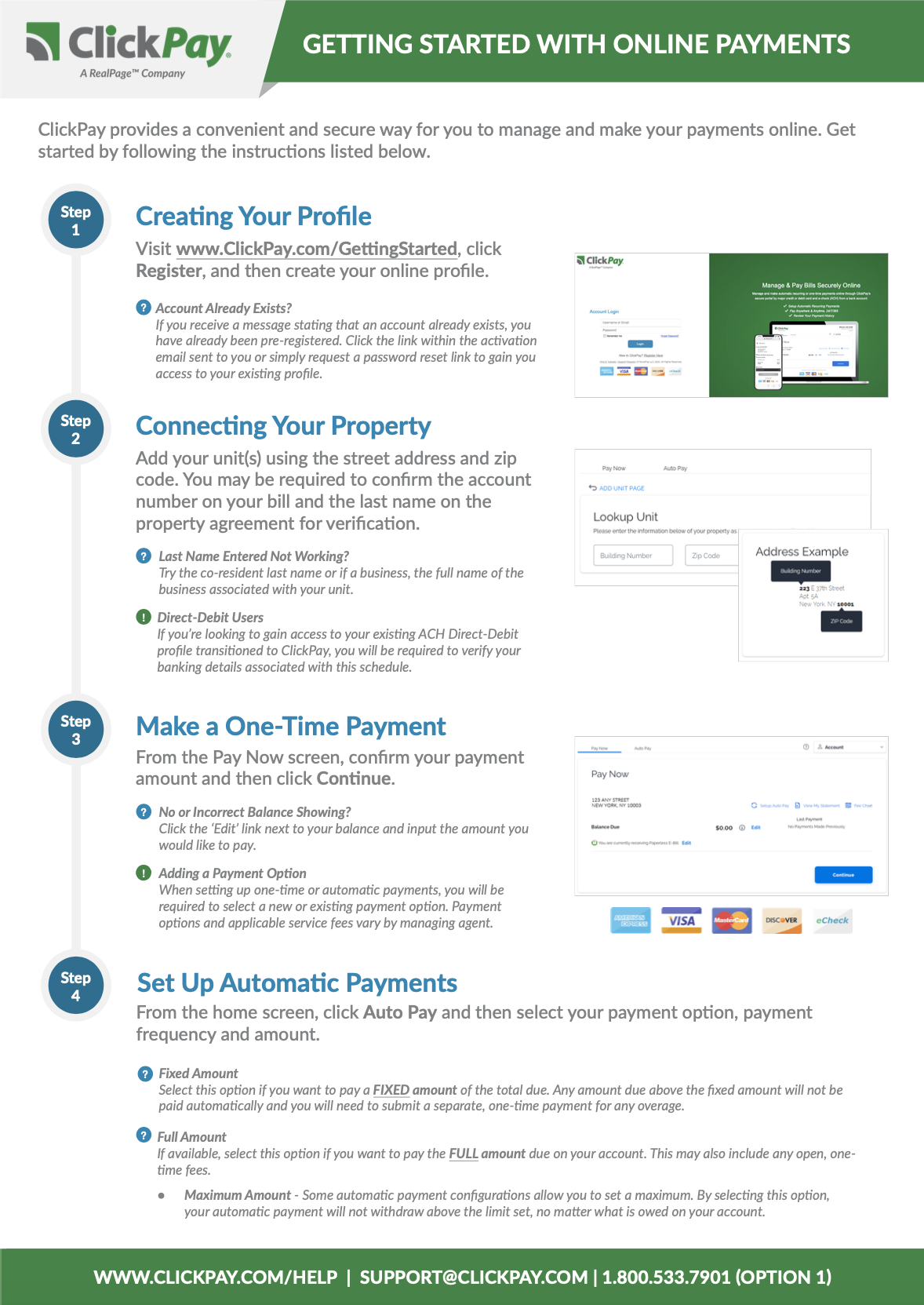
New User Walkthrough
This printable guide will show new users how to get set up with ClickPay in a few easy steps.
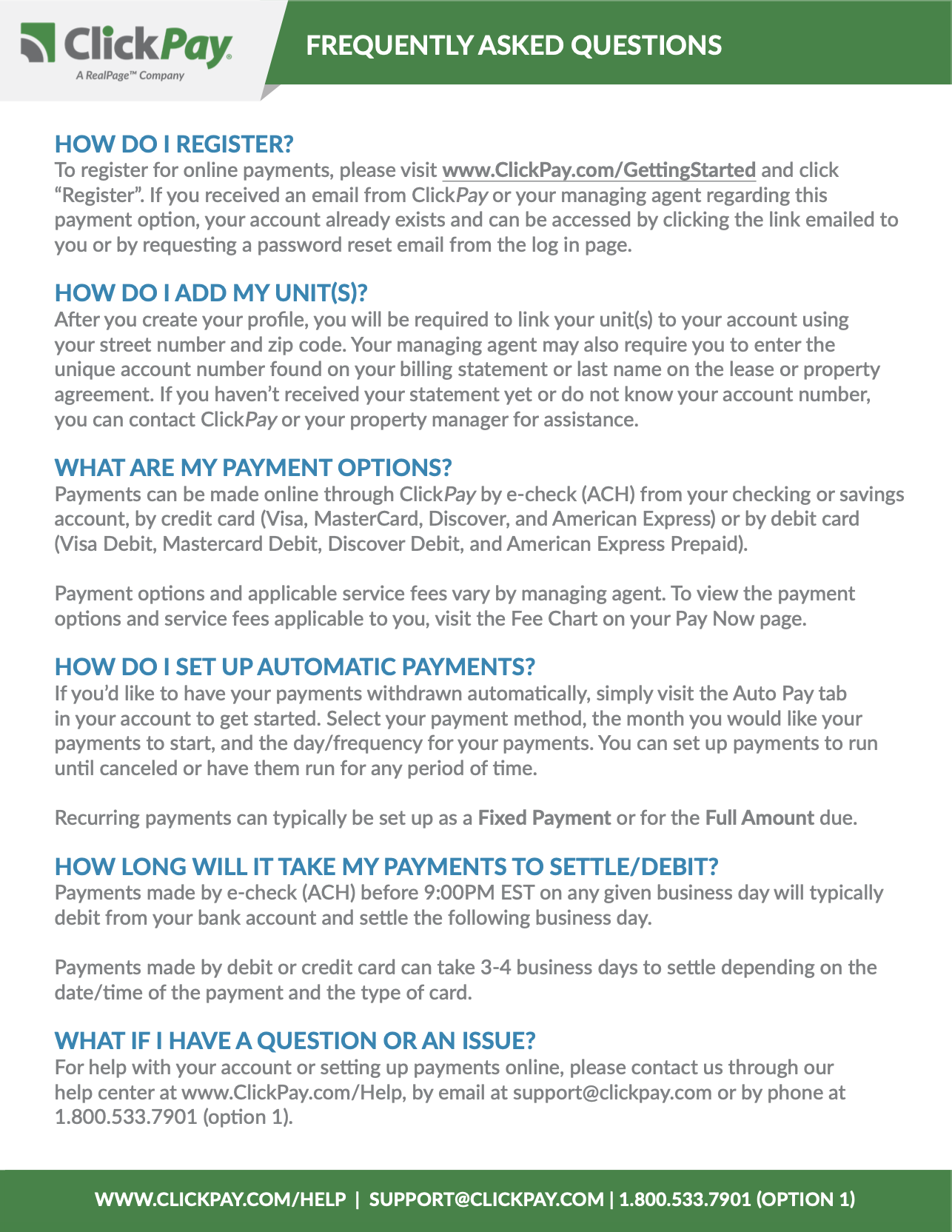
New User FAQ
This printable FAQ will provide answers to common questions users have, which will help them get set up and navigate their ClickPay profile.
Tools & Resources
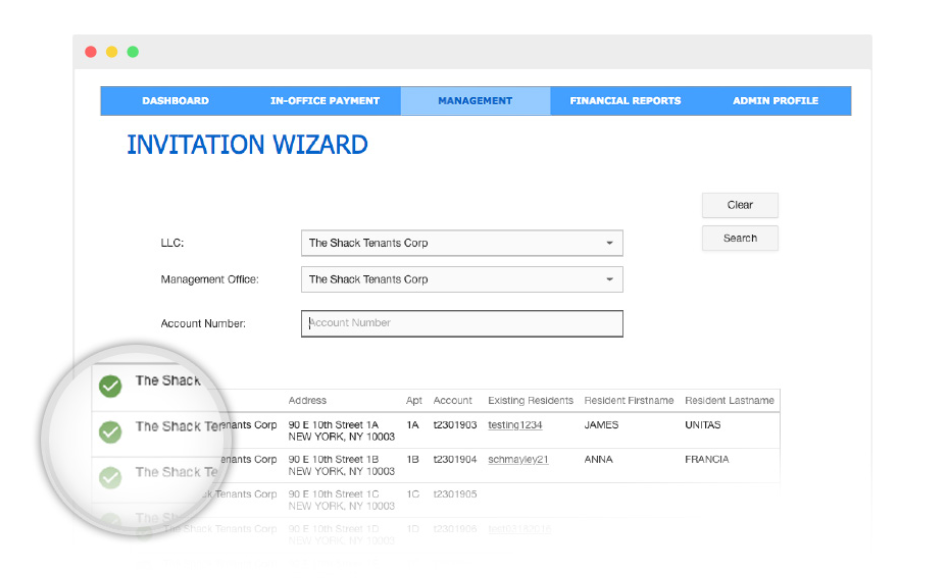
Invitation Wizard
Whether a walk-in to the management office or a move-in during the leasing process, the Invitation Wizard gives ClickPay administrators the ability to set up tenant or resident accounts as well as scheduled payments while providing one-click access in just a matter of seconds.
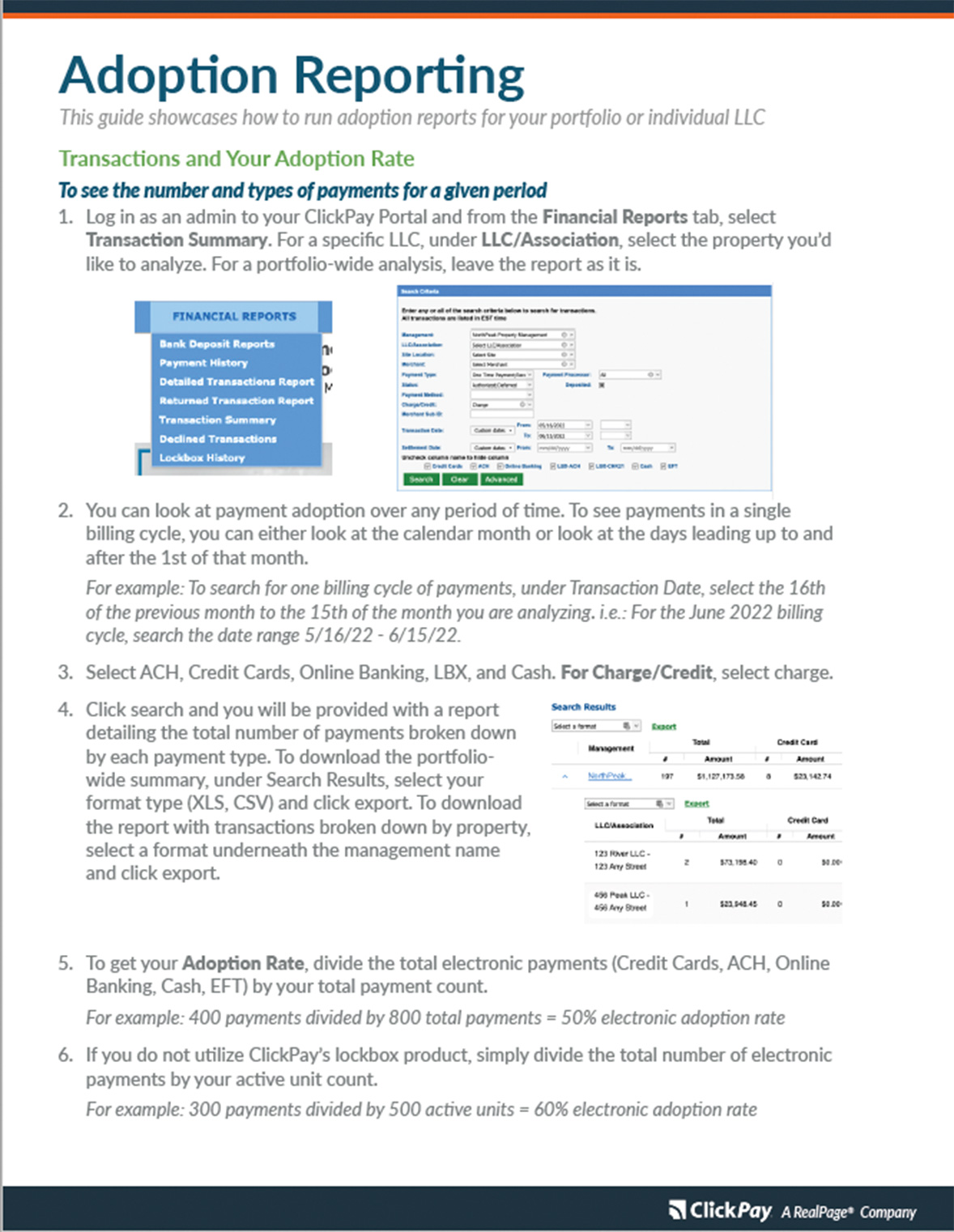
Adoption Reporting
Curious to know how your portfolio or property is performing as it pertains to electronic payment adoption? Download this guide on how to calculate your product adoption through your ClickPay admin account.
Not finding what you are looking for?
Connect with a marketing team member to assist you.
Contact Us